Loading Report
Identify narcotic waste reduction opportunities
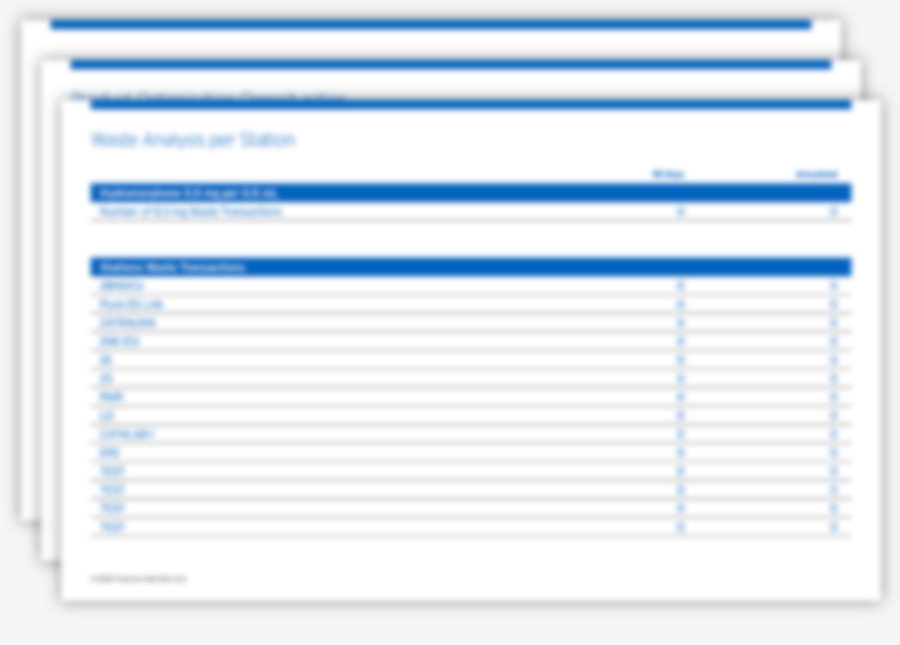
Receive your waste analysis report
Product presentations that more closely align with commonly ordered doses help reduce the need to waste excess medication.1
Our automated waste analysis tool can help calculate the cost of narcotic waste to your institution and provide the insights and actions needed for successful implementation.
By uploading an anonymized report from your automated dispensing cabinet, you can discover opportunities to reduce controlled substance waste.
Instructions to download and prepare the required ADC report for the Waste Analysis Tool
To generate your automated waste analysis, please identify and download the appropriate report from your dispensing system to upload to the automated report tool.
For Pyxis™ Users
Required data columns:
MedDescription, WasteAmount, DispenseStation
Downloading Pyxis report
Log into BD Knowledge Portal → select ”Run a Report”
Under the ”Audit” tab → select report name “Waste Activities” (if user has access to multiple hospitals, run one report per site)
Date Range: Preferably 1 year; minimum 90–180 days
Export as a CSV file
Preparing Pyxis report for waste analysis upload
Open downloaded Pyxis report in Excel
Delete any patient information columns
Verify required data columns remain
Save as an Excel workbook
For Omnicell® Users
Required data columns:
Rx_Name, Waste_Qty, Omni_Stid
Downloading Omnicell report
Log into Omnicenter → Reports tab
Select report name ”Transaction Details by Item”
Date Range: Preferably 1 year; minimum 90–180 days
Filter to only waste transactions
Export as Excel file
Preparing Omnicell report for Waste Analysis upload
Open downloaded Omnicell report in Excel
Delete any patient information columns
Verify required data columns remain
Save as an Excel workbook
DISCLAIMER: This tool does not store any data uploaded for analysis. Results are based on user's own data and assumptions made from the prevailing literature. Results may vary. Use of this tool does not guarantee any waste savings.
All trademarks referenced herein are property of their respective owners.
Based on hospitals analyzed, we found institutions benefited in these areas*:
All hospitals analyzed (N = 144)
Estimated average annual waste event reductions
Estimated annual waste event reductions
Estimated annual time saved wasting*
Fentanyl
(n = 140)
55%
Estimated average annual waste event reductions
626,068
Estimated annual waste event reductions
26,504 hrs
Estimated annual time saved wasting*
Hydromorphone
(n = 142)
72%
Estimated average annual waste event reductions
952,688
Estimated annual waste event reductions
40,330 hrs
Estimated annual time saved wasting*
Morphine
(n = 120)
48%
Estimated average annual waste event reductions
106,277
Estimated annual waste event reductions
4,499 hrs
Estimated annual time saved wasting*
*Data on file provided by real clients. Hospitals analyzed N = 144, Fentanyl Citrate Injection, USP n = 140, Hydromorphone HCl Injection, USP n = 142, Morphine Sulfate Injection, USP n = 120
Fresenius Kabi provides no guarantee of the likelihood that you will achieve similar results if you use our products.
Let’s reduce narcotic waste together
Schedule a call with our Director of Integrated Pharmacy Solutions for a custom analysis, or to learn more information about this service.
References: 1. Hertig J, Jarrell K, Arora P, et al. A continuous observation workflow time study to assess intravenous push waste. Hosp Pharm. 2021;56(5):584-591
File Upload
Instructions to download and prepare the required ADC report for the Waste Analysis Tool
To generate your automated waste analysis, please identify and download the appropriate report from your dispensing system to upload to the automated report tool.
For Pyxis™ Users
Required data columns:
MedDescription, WasteAmount, DispenseStation
Downloading Pyxis report
Log into BD Knowledge Portal → select ”Run a Report”
Under the ”Audit” tab → select report name “Waste Activities” (if user has access to multiple hospitals, run one report per site)
Date Range: Preferably 1 year; minimum 90–180 days
Export as a CSV file
Preparing Pyxis report for waste analysis upload
Open downloaded Pyxis report in Excel
Delete any patient information columns
Verify required data columns remain
Save as an Excel workbook
For Omnicell® Users
Required data columns:
Rx_Name, Waste_Qty, Omni_Stid
Downloading Omnicell report
Log into Omnicenter → Reports tab
Select report name ”Transaction Details by Item”
Date Range: Preferably 1 year; minimum 90–180 days
Filter to only waste transactions
Export as Excel file
Preparing Omnicell report for Waste Analysis upload
Open downloaded Omnicell report in Excel
Delete any patient information columns
Verify required data columns remain
Save as an Excel workbook
DISCLAIMER: This tool does not store any data uploaded for analysis. Results are based on user's own data and assumptions made from the prevailing literature. Results may vary. Use of this tool does not guarantee any waste savings.
All trademarks referenced herein are property of their respective owners.